
- You need to have a claimed store on CyberpunkTCG.com and an active organization on Melee.gg.
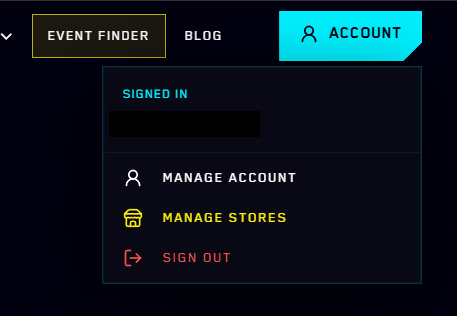
- Log into your CyberpunkTCG.com account, click in the top-right corner of the page and select “Manage Stores” from the dropdown menu.
- Select the store you want to link with Melee.gg.
- Scroll down to the “Tournament Organization” section, click “Link Organization.”
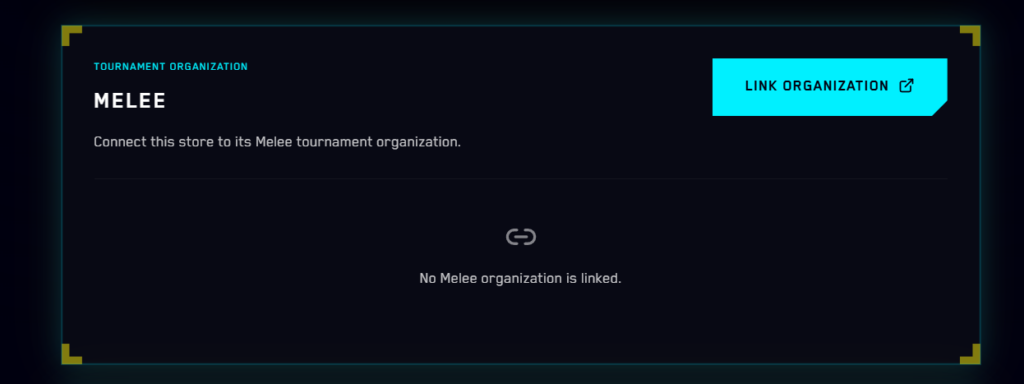
- You will be redirected to the Melee.gg login page. Once you log into your Melee.gg account, you will be brought back to complete the process on CyberpunkTCG.com
- Choose the Organization you’d like to link the store with.
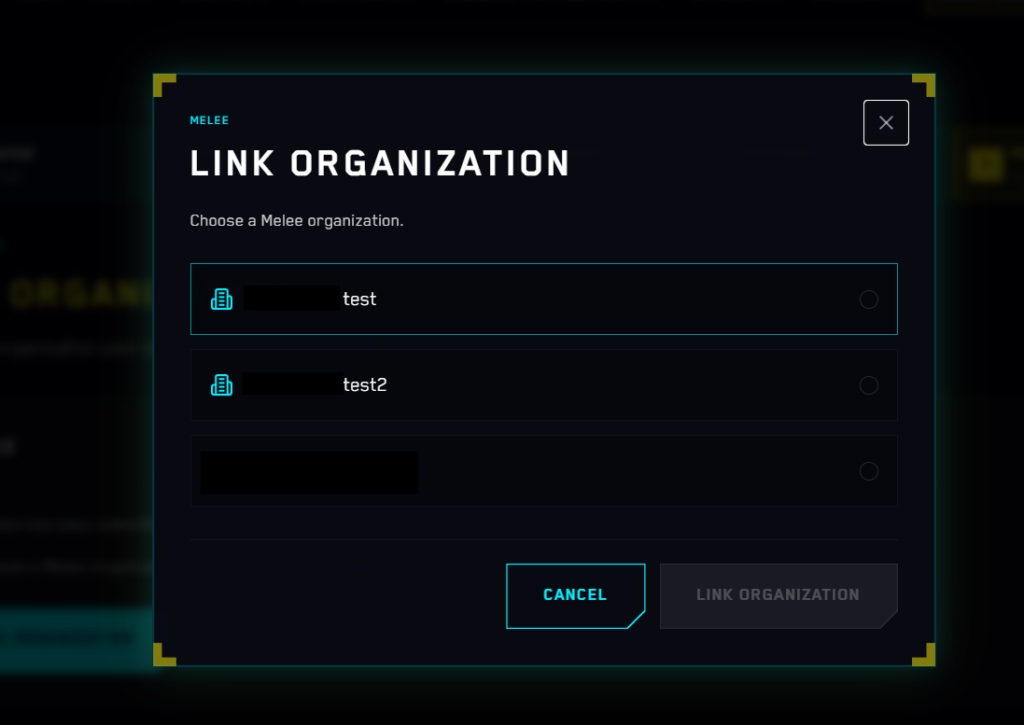
- Confirm the details.
- The linking process is complete.